







5 min read 5 Things to Check Before Hiring a Freelance WordPress Developer
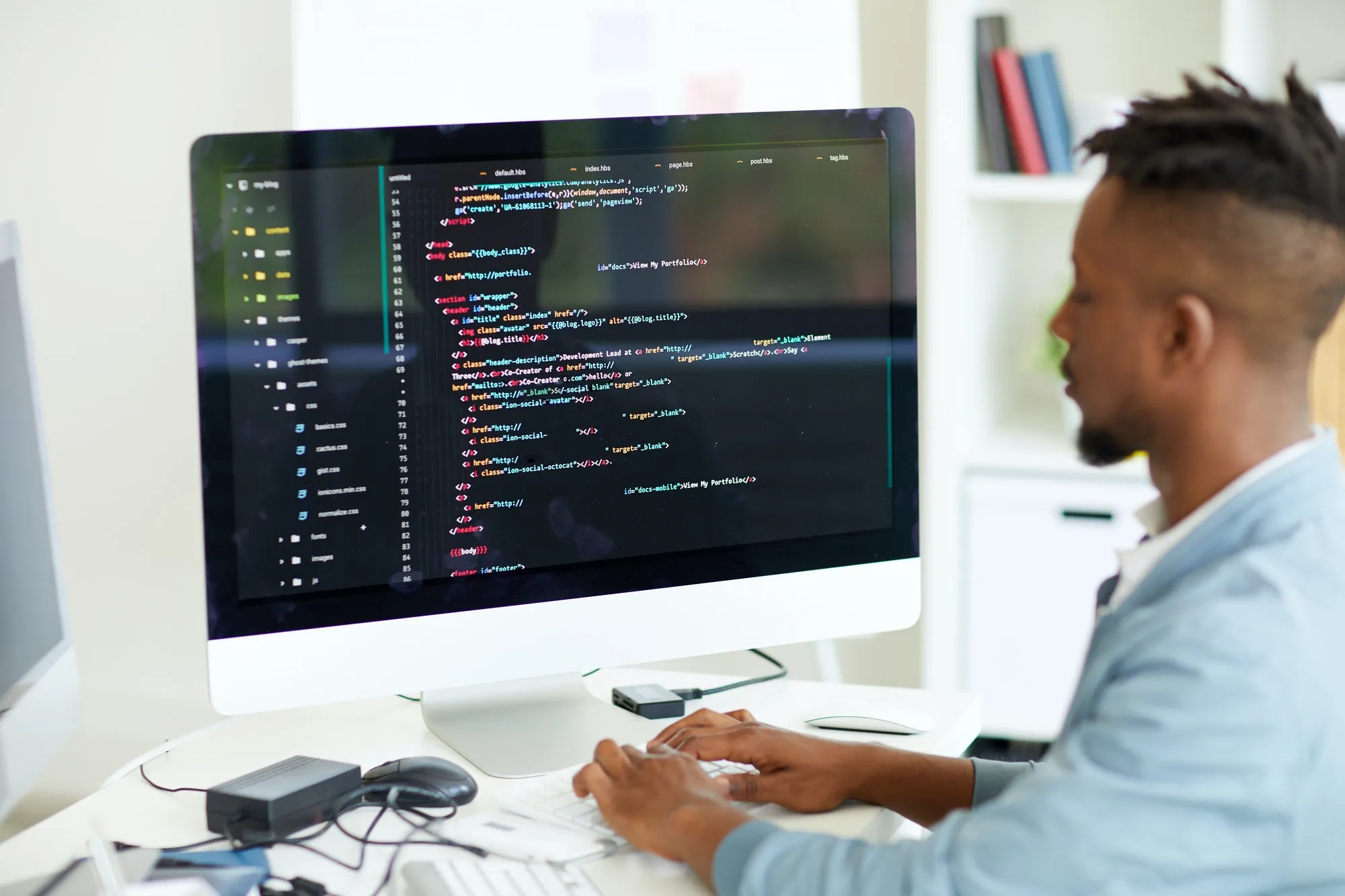
5 Things to Check Before Hiring a Freelance WordPress Developer
Every business generates data — customer records, product listings, survey responses, invoices, spreadsheets, and more. Managing that data accurately and efficiently is critical, but it is also time-consuming work that pulls your core team away from higher-value tasks. This is exactly where a freelance data entry specialist becomes valuable.
Whether you are a small business owner with a backlog of records to digitize, an e-commerce store needing product listings uploaded, or a research firm processing survey results, outsourcing data entry to a skilled freelancer is one of the most practical and cost-effective decisions you can make.
Your WordPress website is one of your most important business assets. When it needs to be built, redesigned, or improved, hiring the right developer makes all the difference between a site that grows your business and one that causes you ongoing headaches. The freelance market for WordPress developers is large — which is a good thing, because it means competitive pricing and a wide range of talent. But it also means quality varies enormously.
Before you commit your budget and your project to any freelance WordPress developer, there are five critical things you need to check. Skipping any one of them is a risk that experienced businesses have learned the hard way.
1. Review Their WordPress-Specific Portfolio — Not Just General Web Work
Many freelancers list "web development" as a skill, but WordPress has its own ecosystem — themes, plugins, the block editor, custom post types, WooCommerce, performance optimisation, and security hardening. A developer skilled in another CMS or framework may struggle with WordPress-specific tasks.
When reviewing a portfolio, look specifically for:
- Live WordPress websites they have built (not mockups or screenshots alone)
- Sites that are similar in type and complexity to what you need — an e-commerce WooCommerce build requires very different skills from a simple blog or a membership site
- Evidence of custom work rather than off-the-shelf theme installation — anyone can install a premium theme; a genuine developer customises, builds custom blocks, or writes plugins
Ask the developer to share three to five live URLs of WordPress sites they have built. Then visit those sites yourself. Check how fast they load, how they look on mobile, and whether the design is polished and functional.
If they cannot share live examples or cite confidentiality for every project, treat that as a yellow flag.
2. Confirm They Understand WordPress Performance and Security
A WordPress site that looks good but loads slowly will lose visitors and rank poorly in Google. A site with security vulnerabilities will eventually get hacked — and WordPress is the most targeted CMS on the internet precisely because it is the most widely used.
Before hiring, ask the developer these two questions directly:
On performance: "How do you optimise a WordPress site for speed?" A competent developer will mention image optimisation, caching plugins (WP Rocket, LiteSpeed Cache), choosing a lightweight theme, minimising plugin bloat, using a CDN, and database optimisation. If they say "I install a caching plugin" and nothing else, that is insufficient.
On security: "What security practices do you follow when building or handing over a WordPress site?" A good developer will mention keeping WordPress core, themes, and plugins updated; using strong admin credentials; disabling file editing via the dashboard; limiting login attempts; and installing a firewall plugin like Wordfence. They should also discuss not using nulled (pirated) themes or plugins, which are a common source of malware.
These questions are not technical traps — they are basic professional standards. Any developer you trust with your site should answer them confidently.
3. Understand Exactly What Is and Is Not Included in the Quote
WordPress project quotes vary wildly, and two quotes for the same job can differ by 300% — not always because of skill differences, but because they include completely different things. Before accepting any quote, clarify the following:
Hosting and domain: Is setup of hosting and domain configuration included, or is that your responsibility?
Theme: Is this a custom-designed theme built from scratch, a premium purchased theme customised to your brand, or a free theme with minimal changes? The cost and value of each differ significantly.
Plugins: Which plugins will be installed? Are any premium plugins included in the price, or will you need to purchase licenses separately?
Content migration: If you are moving from an existing site, is content migration included?
Responsive design: Will the site be tested and optimised across mobile, tablet, and desktop? (This should always be included, but confirm it.)
Revisions: How many rounds of design and development revisions are included?
Handover: Will you receive admin access to the site, the theme files, and all credentials? Will there be a walkthrough or documentation?
Post-launch support: Is there a support period after launch for bug fixes? How long, and what does it cover?
Getting clear written answers to these questions before signing off protects you from scope disputes and unexpected additional costs mid-project.
4. Check How They Communicate and How Responsive They Are
Technical skill matters, but communication is what determines whether a project actually delivers on time and within scope. A highly skilled developer who disappears for days at a time, gives vague updates, or becomes defensive about feedback is a difficult person to work with — regardless of their code quality.
Before hiring, pay attention to the following signals during your initial conversations:
Response time: How quickly do they reply to your first messages? If it takes days to respond before the project even starts, expect the same or worse during the project itself.
Clarity of questions: Do they ask intelligent clarifying questions about your requirements, or do they just quote immediately without understanding what you need? Good developers ask about your goals, audience, and existing setup before estimating.
Communication style: Are they clear and professional in writing? Can they explain technical decisions in plain language? You will need to understand their recommendations — a developer who cannot communicate clearly will cause confusion throughout the project.
Milestone updates: Ask how they plan to keep you updated during the project. Will they send weekly progress updates? Share staging links at defined milestones? A developer with a clear communication plan is far less likely to go quiet mid-project.
5. Understand the Ownership and Handover Terms Before You Start
This is the most commonly overlooked check — and the one that causes the most serious problems after a project is complete.
When a freelance WordPress developer builds your site, you need to own everything at the end of the project. That sounds obvious, but some developers retain hosting control, use their own accounts for plugins, or hold credentials unless explicitly agreed otherwise. Here is what you need to confirm in writing before the project starts:
Hosting access: The site should be hosted on an account you own and control — not the developer's account. If they set up hosting for you, ensure it is under your name and payment details, and that you have full admin access.
WordPress admin credentials: You should receive a full admin account for the WordPress dashboard, not just an editor or contributor role.
Theme and plugin files: If custom code was written, you should receive the source files. For premium plugins, ensure the licenses are transferred to or purchased under your name.
Domain: Your domain should be registered in your name. If the developer registered it, get it transferred to your registrar account before final payment.
Code ownership: Confirm in writing that all custom code written for your project is owned by you upon final payment, not licensed to you.
On reputable freelance platforms like Worksharex, ownership terms are covered by the platform's standard terms — but it is always worth confirming project-specific details in the order agreement.
What to Expect to Pay for a Freelance WordPress Developer
Pricing depends on the scope of the project and the developer's experience level. Here is a general guide for 2026:
Beginner (simple blog or landing page) — $50 to $200
Intermediate (business website, 5 to 10 pages) — $200 to $800
Intermediate (WooCommerce store, basic setup) — $300 to $1,200
Senior (custom theme, complex functionality) — $800 to $3,000+
Ongoing maintenance (monthly retainer) — $50 to $300 per month
Developers based in South and Southeast Asia — particularly Bangladesh, India, and Pakistan — consistently offer strong WordPress expertise at significantly lower rates than Western equivalents, making platforms like Worksharex an excellent sourcing option for budget-conscious businesses that refuse to compromise on quality.
Final Thoughts
Hiring a freelance WordPress developer does not have to be risky. The risks come from not asking the right questions upfront. Check the portfolio for WordPress-specific work, confirm their approach to performance and security, understand exactly what is in the quote, assess their communication before you commit, and lock down ownership terms before the project starts.
Do all five of these things, and you are in a strong position to hire with confidence.
Ready to find the right developer? Browse freelance WordPress developers on Worksharex and get your project started today.
Published by the Worksharex editorial team. Last updated: May 2026.